Read the Address, One Line at a Time
Here is a web address. I want us to take it apart slowly, the way the person who sorts mail at the front desk of a big office reads an envelope.
https://shop.example.com/api/v2/orders/42?expand=items#total
Think about that person for a moment. By the time a letter reaches the front desk, the country, the city and the street have already done their job. They brought the letter to this building. So the person at the desk ignores all of that and reads one more line: the name of the team inside. That one line decides which mail slot the letter goes into. Every letter gets the same treatment: skip the lines that got it here, read the line that says where it goes inside.
A web address has lines too. Let me read them one at a time.
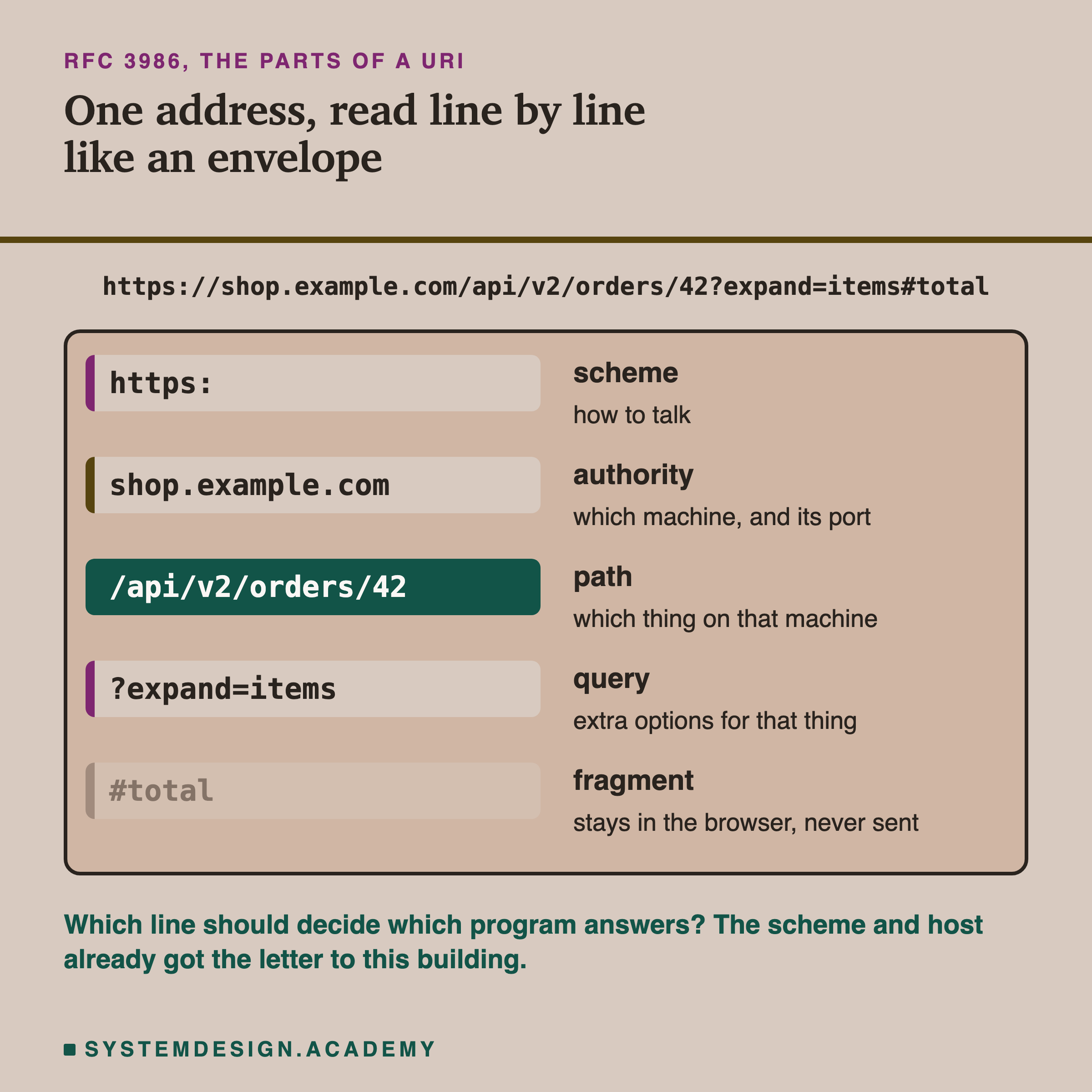
The standard for web addresses, RFC 3986, names these five parts. The host, the path and the query travel inside the request. The scheme decides how the connection is made. The fragment after the # never leaves your browser.
Here are the five parts in plain words:
- Scheme,
https. How to talk. Here it is the secure version of , the language browsers and web servers speak. - Authority,
shop.example.com. Mostly this is the host, also called the host name: the name of the machine. It can also carry a port number, which is like a door number on that machine. When you leave it out, the browser uses the usual door for , which is 443. - Path,
/api/v2/orders/42. Which thing on that machine you want. - Query,
?expand=items. Extra options for that thing. - Fragment,
#total. A bookmark inside the page. The standard says the fragment is cut off before the request is made, so the server never sees it.
When your browser sends the request, it does not send the address as one line. It sends something like this:
GET /api/v2/orders/42?expand=items HTTP/1.1
Host: shop.example.com
The first line is called the request line. GET means "please fetch this for me", and after it come the path and the query. The second line is a header: an extra labelled line sent with the request. Here the label is Host and the value is the host name. So when the request is sent, the parts are already separated, and a program can read the path without even looking at the host.
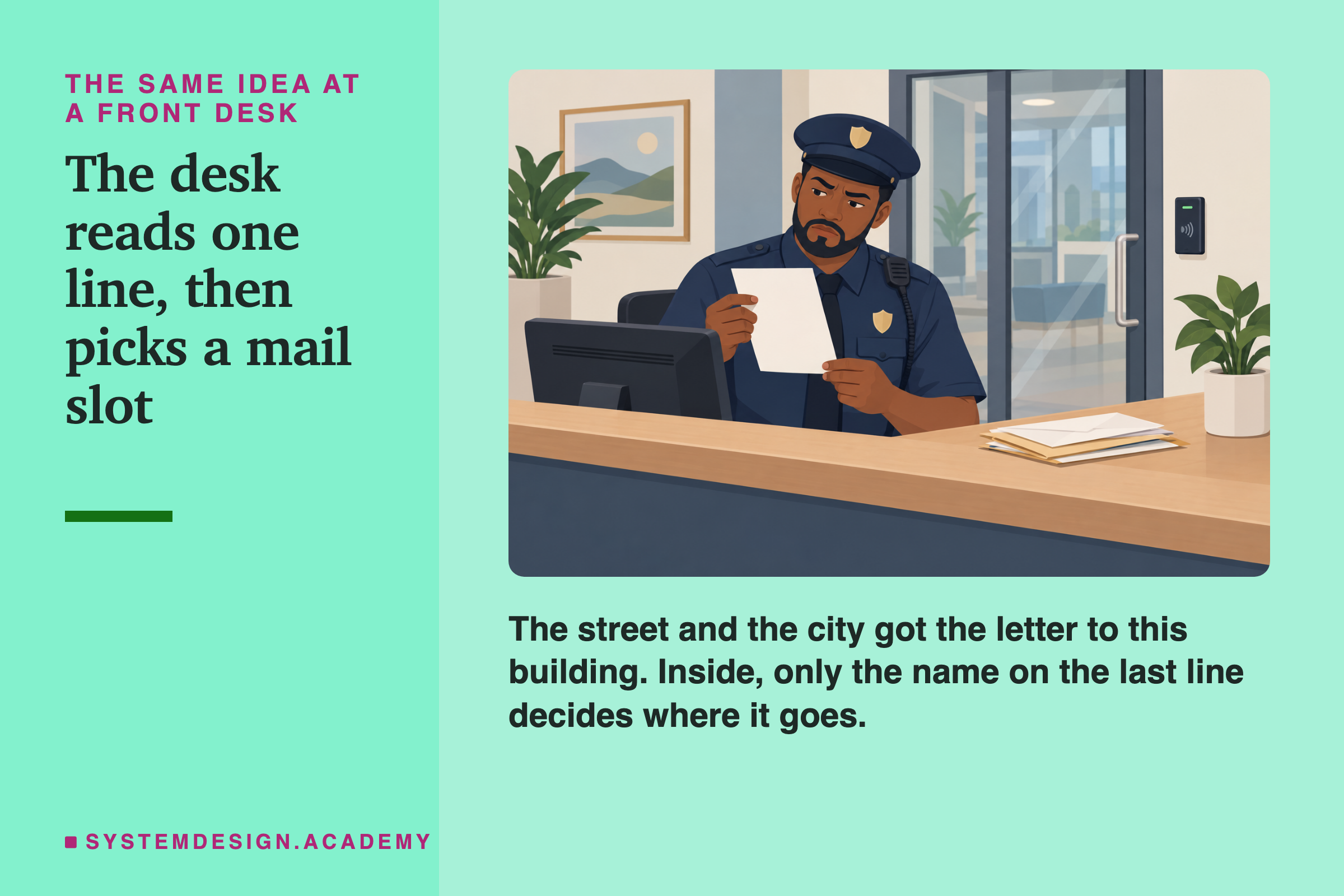
The person at the desk does not care which city the letter came through. There is one job: read the last line and put the letter in the right slot for the team inside.
Now the question for this whole lesson. Suppose one company runs many different programs behind shop.example.com. One program draws the web pages. Another answers questions about orders. Another hands out pictures and script files. The scheme and the host got the request to the company's front door. Which part of the address should decide which program answers?