One Line Out of Eight
Eight lines. That is the whole product page I built for this lesson. Seven of those lines are the same for every person who opens it: the name of the shoe, its weight, its price, its star rating, and the HTML around them. HTML is the text code that a browser turns into the page you see. One line is different for every person. It says "Hi Asha | cart: 2".
That one line costs a lot. A server is a computer that answers when your browser asks for a page, and here it builds each page on the spot, putting the pieces together. In my lab, when fifty different people opened the page and the server had to build the whole page for each of them, the server did the work fifty times. The middle visitor waited 426 milliseconds. A millisecond is one thousandth of a second, so that is a little under half a second.
When I split the page so that only that one line was built per person, the server built fifty small greetings and nothing else. The middle visitor waited 118 milliseconds. Same page, same server, same fifty people.
In short: the shared part of the page was kept in a nearby store of copies, and only the one personal line was made fresh for each person. This lesson is about the trick that made that difference. Before I give it a name, let me tell you where the idea comes from.
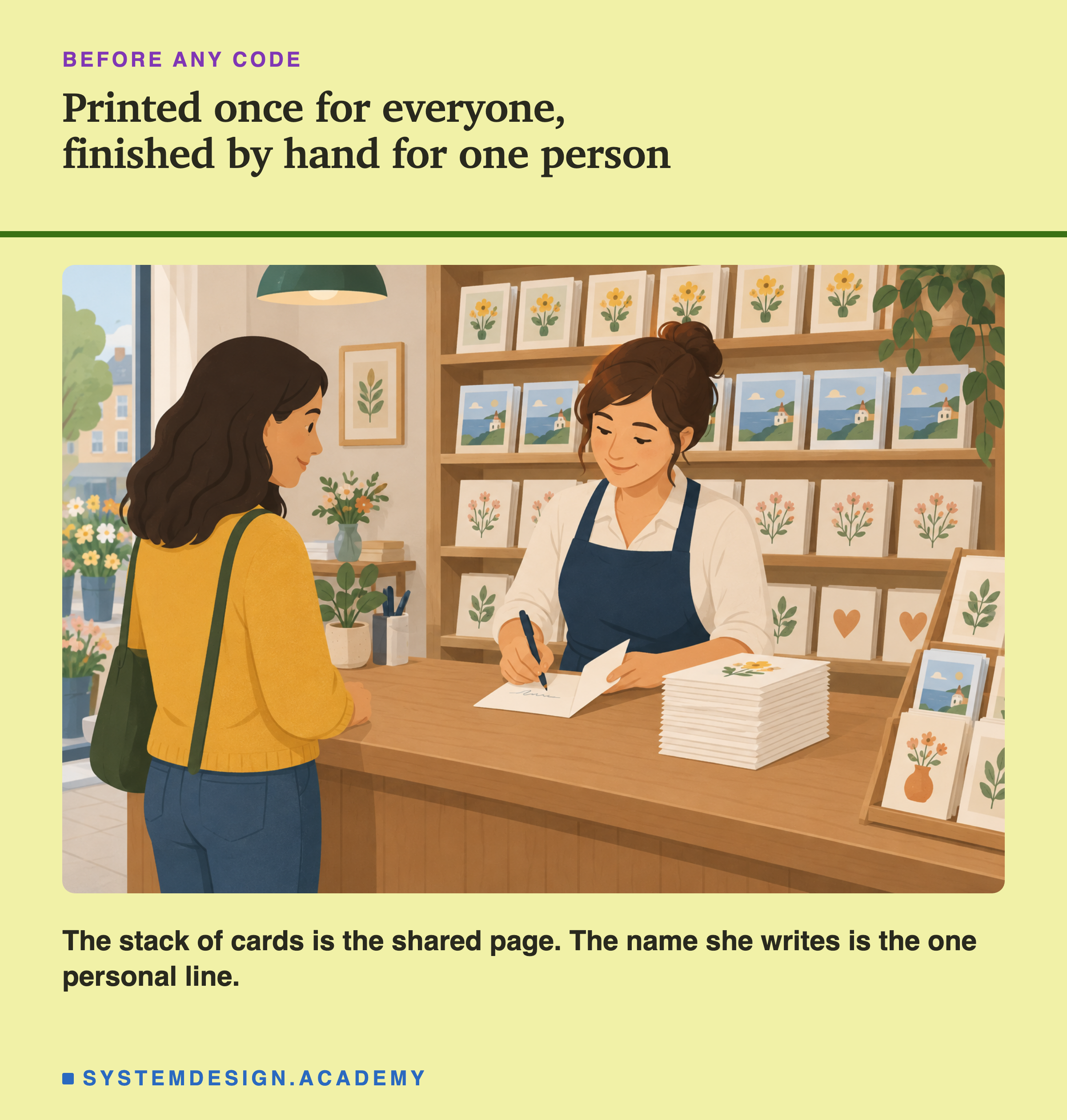
Think of a card shop. The cards are printed by the thousand, all the same, long before you walk in. When you buy one, the shopkeeper writes your name inside. Nobody prints a fresh card for each customer just because the name is different.
The card in that shop is like my product page. The printed part is the same for everyone, so it can be made once and kept. The handwritten name is the small part that must be done for each person, at the last moment, close to the person.
A website can work the same way. A cache is a store of copies, kept so that you do not have to make the same thing again. The shared part of a page can be kept in a cache near the reader. The personal part can be fetched (gone to get it) fresh and written into the gap. The machine that does the "writing in the gap" is the cache that sits between the reader and the website.
Engineers call this trick Edge Side Includes, or ESI. "Edge" means the cache servers near the reader. "Includes" means pulling one small piece of a page into a bigger one. In this lesson I show you how it works, I run it on a real, free cache program called Varnish, and I show you three surprises from that run that most explanations leave out.