A Model Does Not Read Messages
When you use a chat app, you see a conversation: your message on one side, the model's reply on the other, maybe a hidden set of instructions at the top. It looks as if the model receives a list of messages, each marked with who sent it.
It does not. Lesson 1 showed that a language model does one thing: given a sequence of tokens, it gives the odds of the next token. There is no place in that for "a message from the user". So before the model reads anything, the conversation has to be turned into one long text. The recipe for doing that is called the chat template.
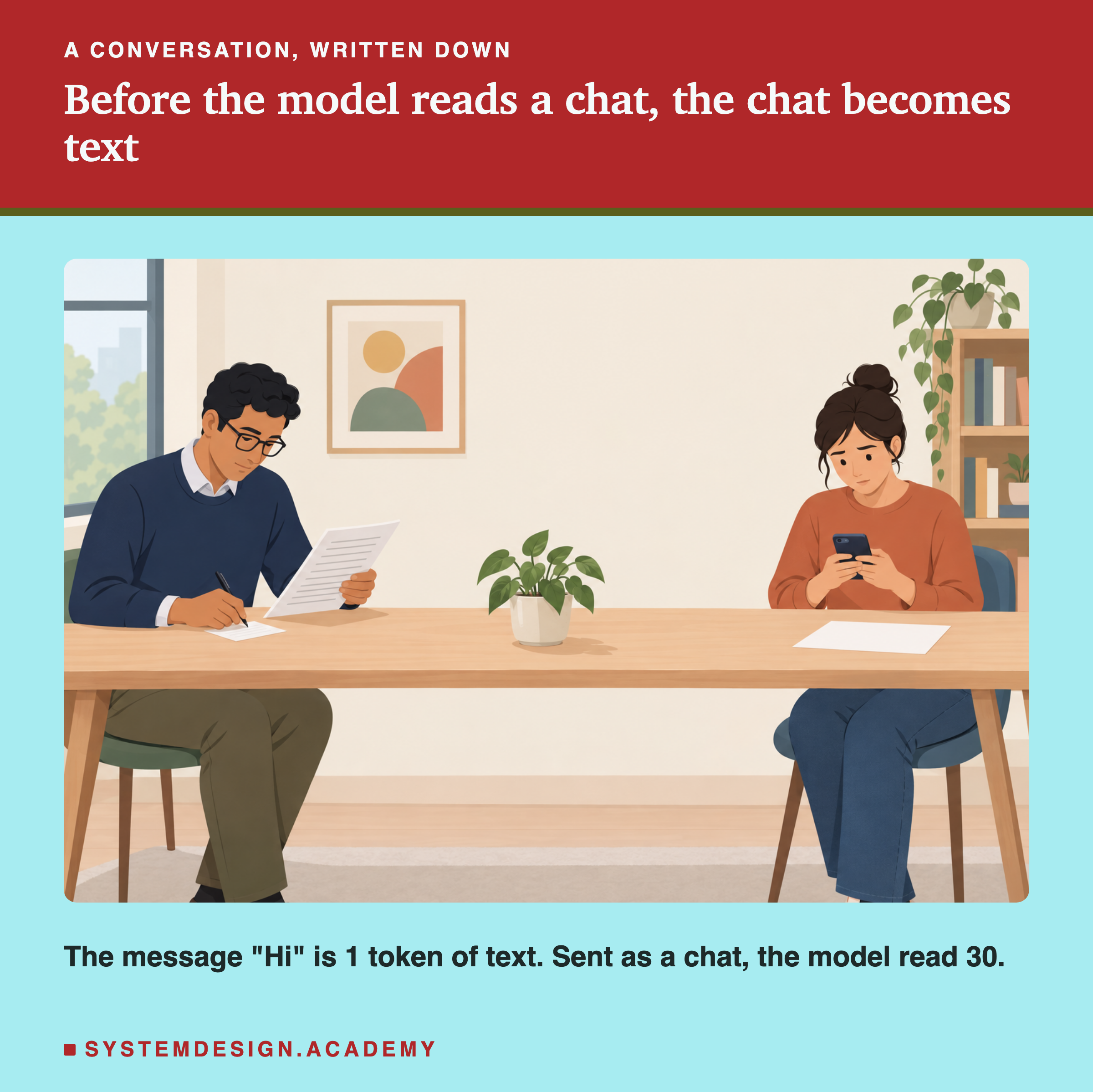
Think of the script of a play. On stage, two actors talk. On paper, every line starts with the speaker's name, so the actor knows whose line it is and when to stop. A chat template does the same job for a model: it writes the conversation out as one script, with special marks that say whose turn it is and where each turn ends.
This lesson reads the real template of the model we have been using, fills it in by hand, and measures what happens when the template is wrong.
Words You Need First
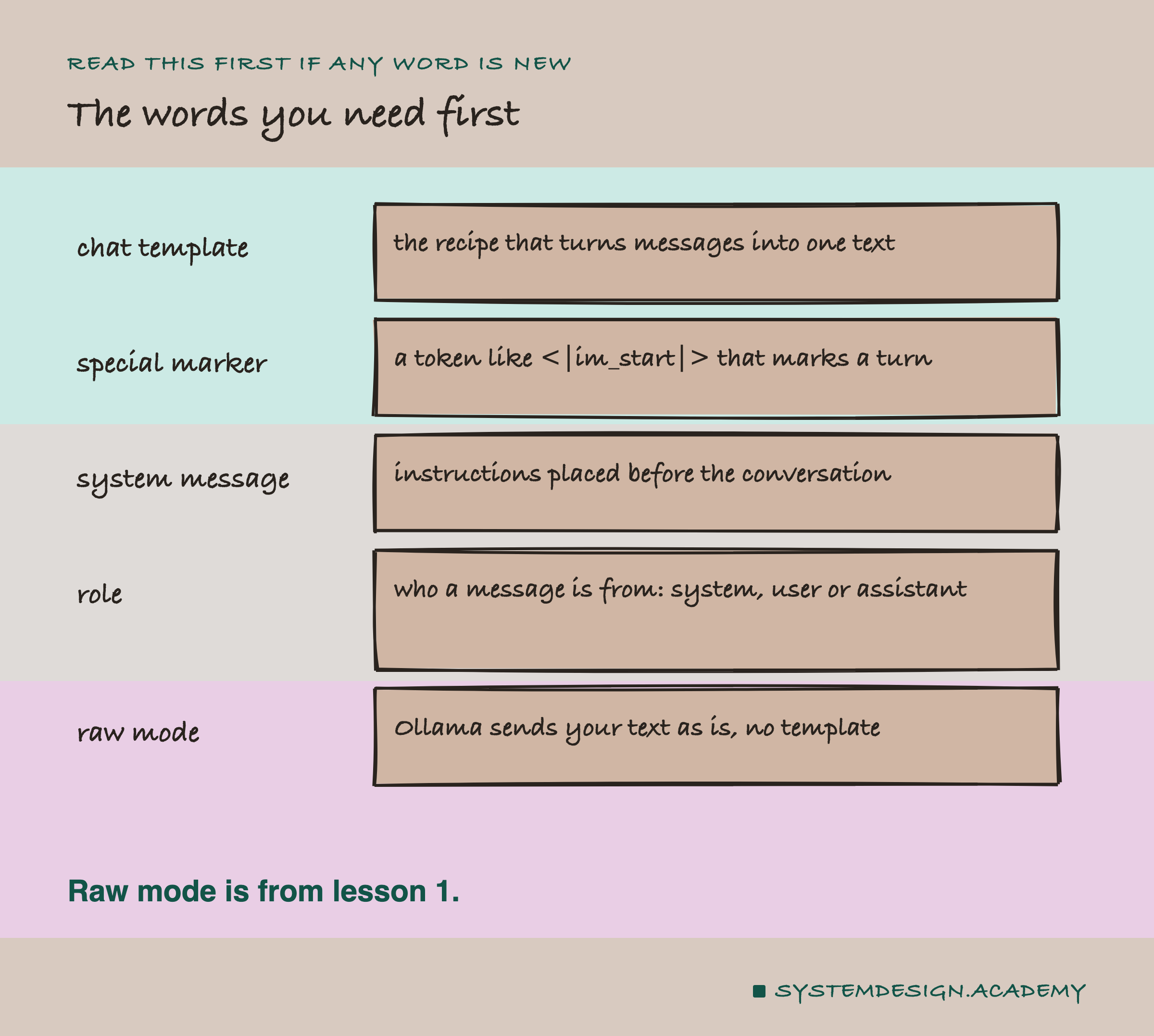
Chat template. The recipe that turns a list of messages into one text. Each model family has its own, and it is stored with the model.
Special marker. A token such as <|im_start|> that the model learned during training to treat as a signal, not as ordinary words. It usually looks like text in angle brackets and bars, but to the model it is a single special token.
System message. A message with instructions for the whole conversation, placed first. Apps use it for rules such as "answer only about our products".
Role. Who a message is from: system, user (the person) or assistant (the model).
Raw mode. In Ollama, "raw": true sends your text exactly as written, with no template added. Lessons 1 to 7 used it for most measurements, so that the counts covered only our own text.